そうか、Favicon.icoってOSXのプレビューアプリで作れたんだ

ブログのFavicon.icoどうやって作ろうか悩んでいた。
ネットで調べてみるとAppストアの100円アプリがお気楽みたい。
でも、OSX標準のプレビューで作れるらしいので試してみた。

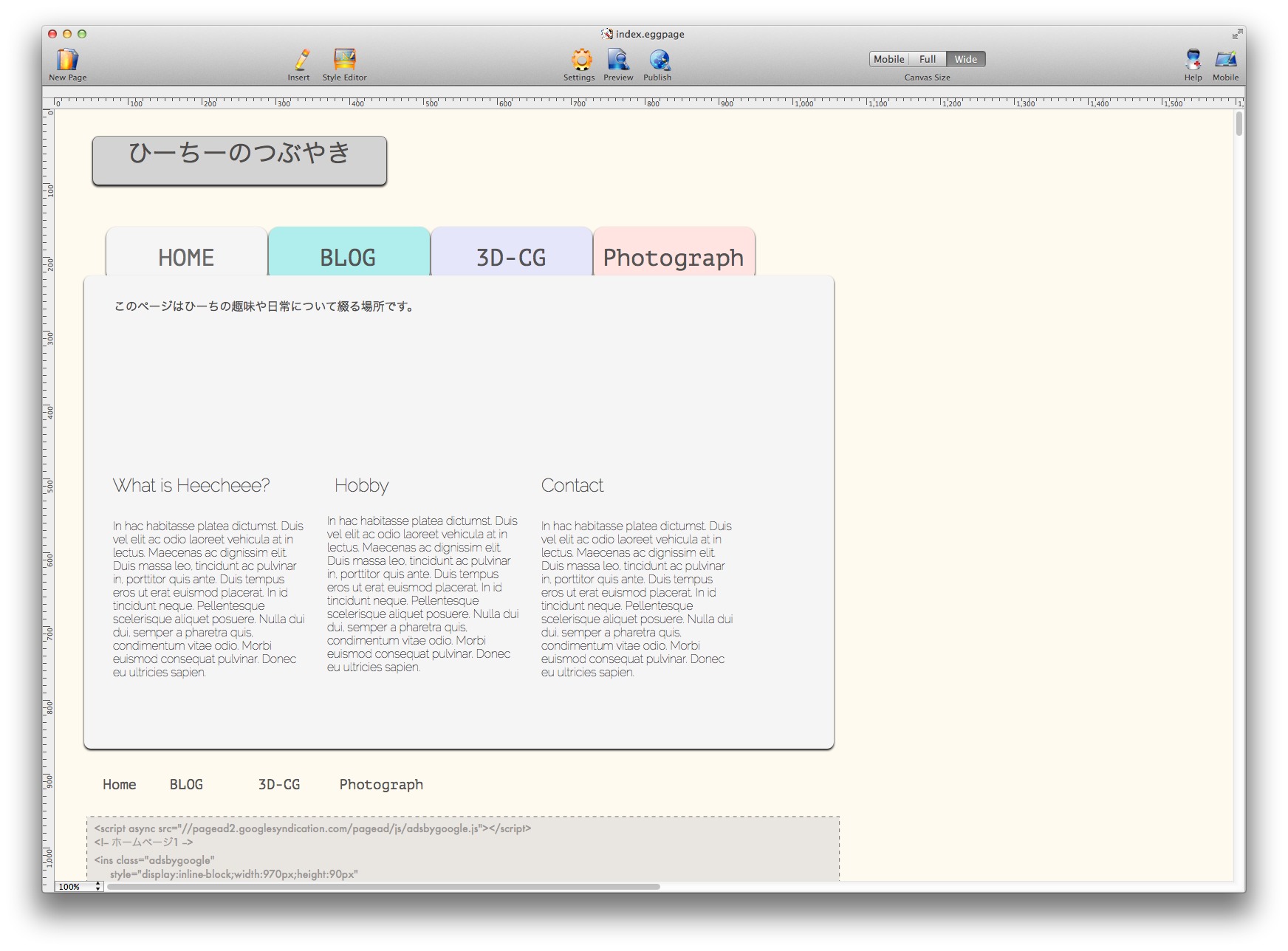
まず、作ったFavicon用画像をプレビューで開く。
(今回は見やすいように大きな画像で作ったけど
ホントは16×16サイズ)
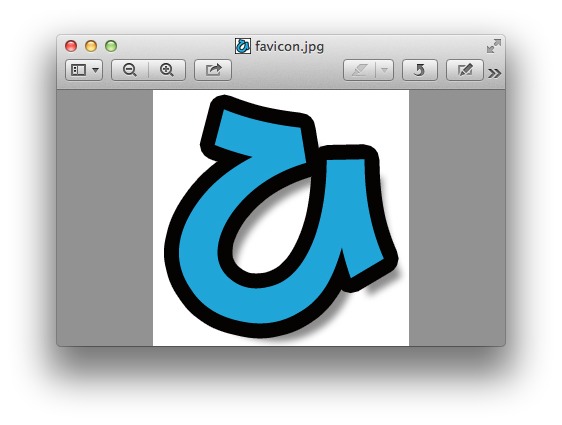
プレビューScreenSnapz001


そして、メニューの書き出しを選ぶ。
プレビューScreenSnapz003

OPTIONキーを押しながらフォーマットをクリックする。
すると、Microsoftアイコンが選択できる。
プレビューScreenSnapz002

その後、所定のディレクトリに保存してHedder.phpに1行追加する。

SafariScreenSnapz001

コメントを残す

This website stores cookies on your computer. These cookies are used to provide a more personalized experience and to track your whereabouts around our website in compliance with the European General Data Protection Regulation. If you decide to to opt-out of any future tracking, a cookie will be setup in your browser to remember this choice for one year.

Accept or Deny